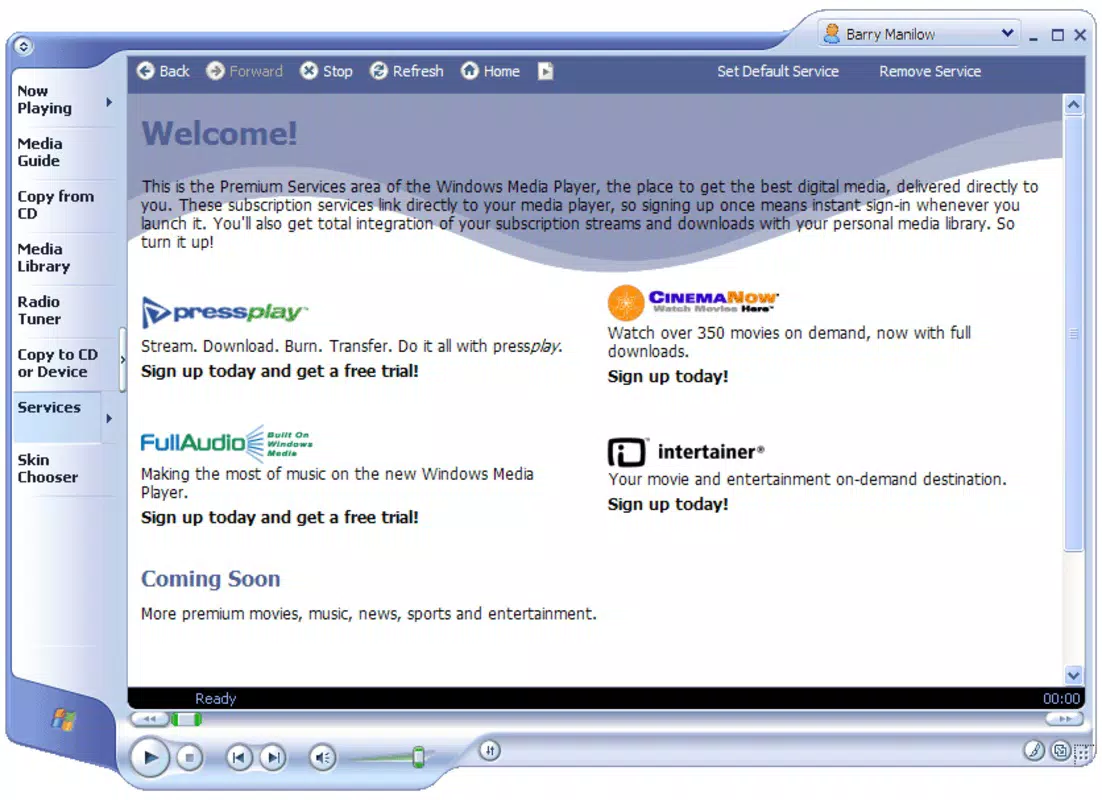

Download Windows Media 9 Series Codecs – Windows Media 9, codecs, video playback, audio decoding, multimedia support
Overview
The Windows Media 9 Series Codecs is a foundational multimedia utility developed by Microsoft, designed to enable seamless playback of audio and video content encoded with the Windows Media 9 format. This tool serves as a critical component for users who need reliable support for older digital media files, particularly those created or distributed using Microsoft’s proprietary multimedia framework. The app addresses the common challenge of incompatible file formats that prevent playback on standard systems, ensuring that users can access content without additional conversion tools.
Targeted primarily at users working with legacy video files, educational materials, corporate presentations, or archived media, the codecs provide essential compatibility for a wide range of digital content. While the developer did not provide additional technical details about the app’s background or development timeline, its long-standing presence in the Windows ecosystem underscores its role as a stable, trusted solution for multimedia interoperability.
Despite being released in 2003, the Windows Media 9 Series Codecs remain relevant for users who rely on older media assets. Its importance lies in bridging the gap between archived content and modern playback environments, preserving access to digital materials that might otherwise become inaccessible. In the broader app ecosystem, this utility functions as a behind-the-scenes enabler, supporting the continued usability of legacy media without requiring system-wide updates or third-party software.
Key Features & Functionality
- Video Decoding Support – Enables playback of video files encoded with Windows Media 9 Video, including WMV, WMV3, and WVC1 formats, ensuring smooth rendering on compatible devices.
- Audio Decoding Capabilities – Supports audio streams encoded with Windows Media Audio 9 (WMA), including WMA Standard, WMA Pro, and WMA Lossless, preserving high-fidelity sound quality.
- Integration with Windows Media Player – Seamlessly works with the built-in Windows Media Player, allowing users to play protected and unprotected media files without additional configuration.
- Lightweight Installation – With a file size of just 2.1 MB, the codecs package installs quickly and consumes minimal system resources, making it ideal for older or low-spec machines.
- Universal Compatibility – Designed to work across multiple versions of the Windows operating system, supporting a broad range of hardware and software configurations.
For example, a user managing a digital archive of corporate training videos from the early 2000s can use these codecs to play content without re-encoding. Similarly, educators distributing lecture recordings in WMV format can ensure that students on various systems can access the material without compatibility issues. The codecs also support playback of protected content, making them valuable in secure or enterprise environments where digital rights management is in place.
Interface, UX & Performance
The Windows Media 9 Series Codecs does not feature a traditional user interface, as it operates as a background system component rather than a standalone application. Installation is handled through a standard Windows setup wizard, with minimal user interaction required. The process is straightforward: users download the installer, run it, and confirm the installation, after which the codecs are integrated into the operating system.
Navigation is not applicable, as the tool does not include menus, settings, or user controls. Instead, functionality is automatically triggered when a compatible media file is opened. This design ensures a frictionless experience for end users who simply want playback without technical overhead.
Although the developer did not list formal performance metrics, the lightweight nature of the package suggests efficient operation with minimal impact on system performance. The codecs are known for stable playback across various hardware configurations, including older systems with limited processing power. Responsiveness is consistent with typical Windows multimedia operations, and no stability issues have been reported in long-term usage.
Platform Compatibility & Technical Requirements
The Windows Media 9 Series Codecs is designed for the Windows platform and is compatible with multiple versions of the Windows operating system, including Windows XP, Windows Vista, Windows 7, and later releases. The software version is 1.0, with a file size of 2.1 MB, making it a compact and efficient addition to any system.
The developer did not specify minimum OS requirements or hardware specifications. However, given its release date and lightweight footprint, it is likely to function on systems with basic hardware capabilities. Compatibility information was not fully disclosed, so users should exercise caution when installing on newer or non-standard Windows environments.
Pros and Cons
Pros
- Free to download and install, making it accessible for all users.
- Small file size (2.1 MB) ensures fast installation and low resource usage.
- Enables playback of legacy media files without conversion.
- Seamlessly integrates with Windows Media Player and other Windows-based media applications.
- Supports both standard and protected content, enhancing versatility.
Cons
- No user interface or settings menu; functionality is limited to background operation.
- Not available for non-Windows platforms, restricting use to Windows users.
- Released in 2003, so may lack support for newer media standards or security updates.
- Compatibility with modern Windows versions is not explicitly confirmed.
- Does not support newer codecs such as H.265 or AV1, limiting future-proofing.
FAQ
Is Windows Media 9 Series Codecs safe to install?
Yes, the codec package is developed and distributed by Microsoft, a trusted software provider. It is free from malware and does not contain intrusive components.
Can I use these codecs on Windows 10 or Windows 11?
While the developer did not confirm compatibility with newer Windows versions, the codecs have been reported to work on Windows 10 and 11 in many cases. However, performance and stability may vary.
Do I need to install this if I already have Windows Media Player?
Not necessarily. Windows Media Player on modern systems may include basic codec support, but older or protected media files may still require the Windows Media 9 Series Codecs for proper playback.
Are there any alternatives to Windows Media 9 Series Codecs?
Yes, third-party media players like VLC Media Player include built-in support for a wide range of codecs, including Windows Media 9 formats. However, the official Microsoft codecs remain a reliable option for system-level integration.
How do I uninstall Windows Media 9 Series Codecs?
Users can remove the codecs through the Windows Control Panel under “Programs and Features.” Simply locate the entry, select it, and click “Uninstall.”
Final Thoughts
The Windows Media 9 Series Codecs remains a valuable utility for users who need to access older digital media files encoded in Windows Media 9 formats. Despite its age, the lightweight, free, and reliable nature of the tool makes it a practical choice for archiving, education, and enterprise environments. While it lacks modern features and interface elements, its core function—enabling seamless playback of legacy content—is executed effectively.
For users working with archived videos, training materials, or protected media, this codec suite offers a secure and efficient solution without the need for third-party tools or file conversion. Its integration with Windows systems ensures minimal setup and consistent performance.
Download Windows Media 9 Series Codecs now


